
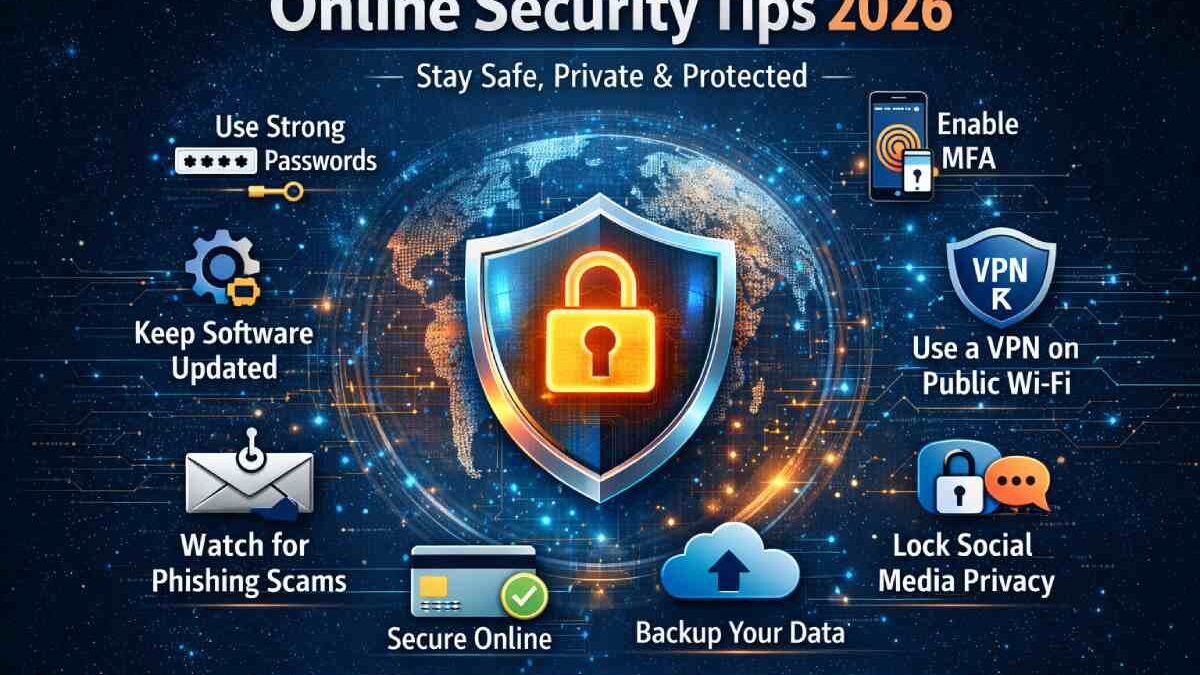
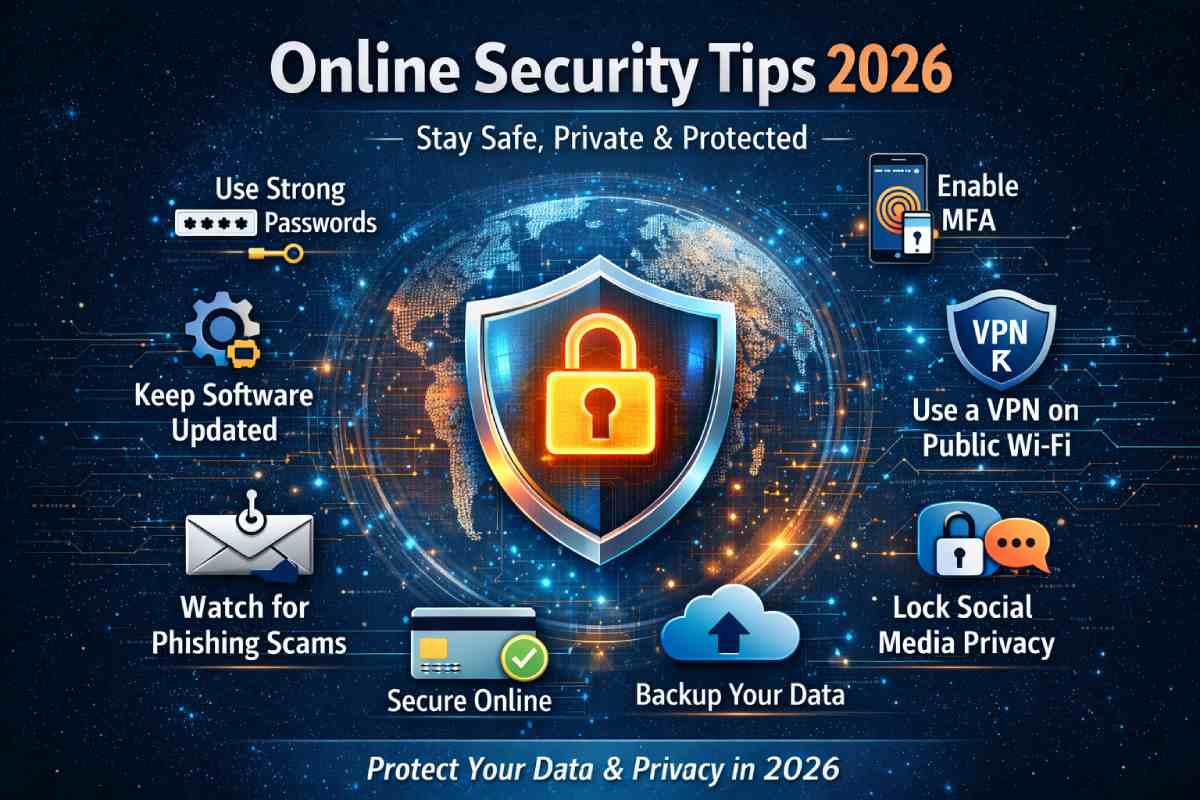
As digital life expands in 2026, cyber threats are evolving faster than ever. From AI-powered phishing scams to large-scale data breaches, users across the globe especially in countries like India, the US, the UK, and Australia—face increasing online risks. This is why following proven online security tips is no longer optional; it is a digital survival skill.
This forward-looking guide delivers practical, research-backed online security tips to help individuals, professionals, and small businesses protect their data, privacy, and finances. Whether you browse casually, work remotely, or manage online payments, these strategies will significantly reduce your exposure to cyber threats.
Table of Contents
Why Online Security Matters More Than Ever in 2026
The modern internet connects billions of devices, but every connection creates a potential vulnerability. According to global cybersecurity reports, cybercrime damages are expected to cross $10 trillion annually by 2026.
Key Drivers Behind Rising Cyber Threats
- AI-generated phishing emails
- Deepfake scams and identity theft
- Cloud data misconfigurations
- Weak passwords reused across platforms
- Increased mobile and IoT device usage
Adopting strong online security tips helps users stay one step ahead of attackers.
Core Online Security Tips Everyone Must Follow
1. Use Strong and Unique Passwords Everywhere
Passwords remain the first line of defense. Yet millions still use weak credentials.
Best Practices
- Use 12–16 character passwords
- Mix uppercase, lowercase, numbers, and symbols
- Avoid names, birthdays, or reused passwords
Recommended Password Managers
- Bitwarden (Free & Paid)
- 1Password
- Dashlane
Studies show weak and reused passwords remain among the most common vulnerabilities exploited by attackers.
2. Enable Multi-Factor Authentication (MFA)
One of the most effective online security tips is enabling MFA wherever available.
Why MFA Works
- Blocks unauthorized logins
- Adds biometric or OTP verification
- Prevents account takeovers
Platforms like Google and Microsoft now strongly recommend MFA for all users.
Device-Level Online Security Tips
3. Keep Software and Operating Systems Updated
Outdated software is a hacker’s favorite target.
Always Update
-
Operating systems
-
Browsers
-
Antivirus software
-
Mobile apps
For example, keeping Microsoft Windows and Google Chrome updated closes known security loopholes.
4. Use Trusted Antivirus & Endpoint Protection
Modern antivirus tools now use AI to detect threats in real time.
| Antivirus Software | Country Availability | Price (Annual) |
|---|---|---|
| Kaspersky | India, US, UK | ₹1,499 / $35 |
| Norton 360 | Global | ₹2,499 / $49 |
| McAfee Total Protection | Global | ₹2,499 / $49 |
Network & Browsing Security Tips
5. Always Use a VPN on Public Wi-Fi
Public Wi-Fi networks are dangerous without encryption.
Benefits of VPNs
-
Encrypt internet traffic
-
Hide IP address
-
Prevent data interception
| VPN Service | Best For | Price |
|---|---|---|
| NordVPN | Speed & Privacy | ₹4,200/year |
| ExpressVPN | Security | ₹5,800/year |
| Surfshark | Budget Users | ₹3,000/year |
6. Avoid Clicking Unknown Links or Attachments
Phishing attacks now look extremely convincing.
Warning Signs
- Urgent language (“Act Now!”)
- Unknown sender addresses
- Suspicious attachments
- Shortened URLs
Following this online security tip alone can prevent most email-based attacks.
NETGEAR’s security tips discuss red flags in SMS and email phishing.
Online Security Tips for Social Media & Identity Protection
7. Lock Down Social Media Privacy Settings
Oversharing exposes users to identity theft.
Secure Your Accounts By
-
Hiding phone numbers and emails
-
Limiting profile visibility
-
Reviewing third-party app access
Cybercriminals often scrape public profiles for social engineering attacks.
8. Monitor Your Digital Footprint
Use breach-monitoring services to detect leaked data early.
Popular Monitoring Tools
-
Have I Been Pwned (Free)
-
IdentityForce
-
Experian IdentityWorks
This proactive online security tip helps users respond before damage occurs.
Online Financial Security Tips
9. Use Secure Payment Methods
Online payments are prime targets for fraud.
Safer Options
- Credit cards with fraud protection
- Virtual cards
- Trusted payment gateways
Avoid storing card details on unknown websites.
10. Check Website Security Before Transactions
Before entering personal information:
-
Look for HTTPS
-
Verify padlock icon
-
Avoid fake checkout pages
This basic online security tip is critical for e-commerce safety.
Online Security Tips for Remote Workers & Businesses
11. Secure Cloud Accounts
Cloud platforms are frequent attack targets.
Security Measures
-
Role-based access control
-
Regular access audits
-
Encrypted backups
Remote work environments benefit greatly from layered security.
12. Backup Data Regularly
Data backups protect against ransomware and accidental deletion.
| Backup Type | Recommended For |
|---|---|
| Cloud Backup | Daily users |
| External Drives | Offline protection |
| Hybrid Backup | Businesses |
Country-Wise Cyber Threat Landscape (2026)
| Country | Major Threats | User Focus |
|---|---|---|
| India | UPI fraud, phishing | Mobile security |
| USA | Ransomware | Business security |
| UK | Identity theft | Privacy tools |
| Australia | Banking scams | Financial protection |
Adapting online security tips to regional threats increases effectiveness.
Future-Focused Online Security Tips (2026–2030)
-
AI-driven security tools
-
Passwordless authentication
-
Biometric identity protection
-
Zero-trust security models
Staying informed ensures long-term digital resilience.
Final Thoughts: Make Online Security a Daily Habit
Cybersecurity is not a one-time setup—it is an ongoing practice. By applying these online security tips, users can dramatically reduce risks while enjoying the benefits of a connected world.
From strong passwords and VPNs to secure payments and cloud safety, each step builds a powerful defense layer. In 2026 and beyond, informed users will always be the hardest targets.